Region · 11 nebulae
The Lab
Work in progress — not claimed as portfolio yet, but every experiment must report its findings
 LAB.11
Continues LAB.07
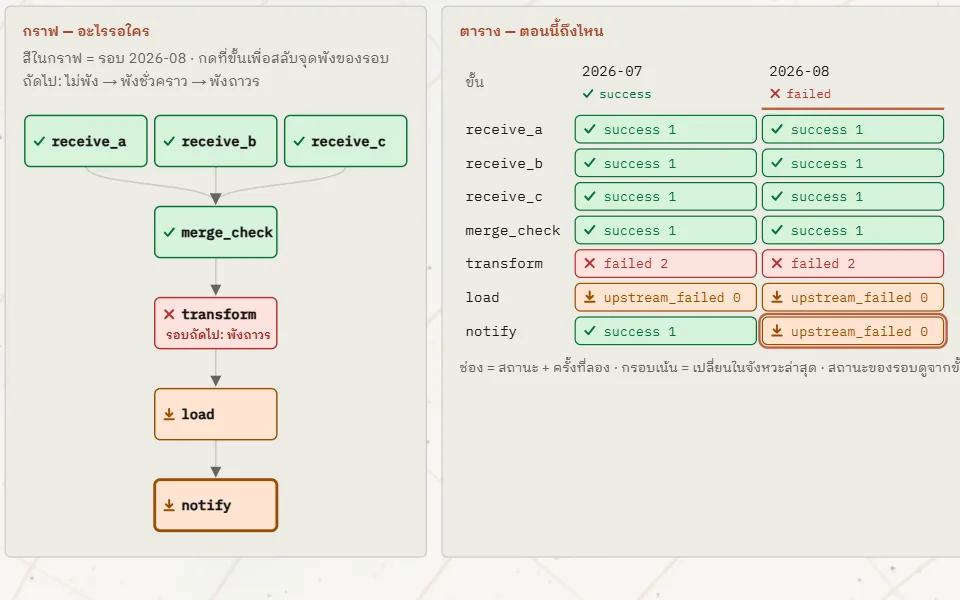
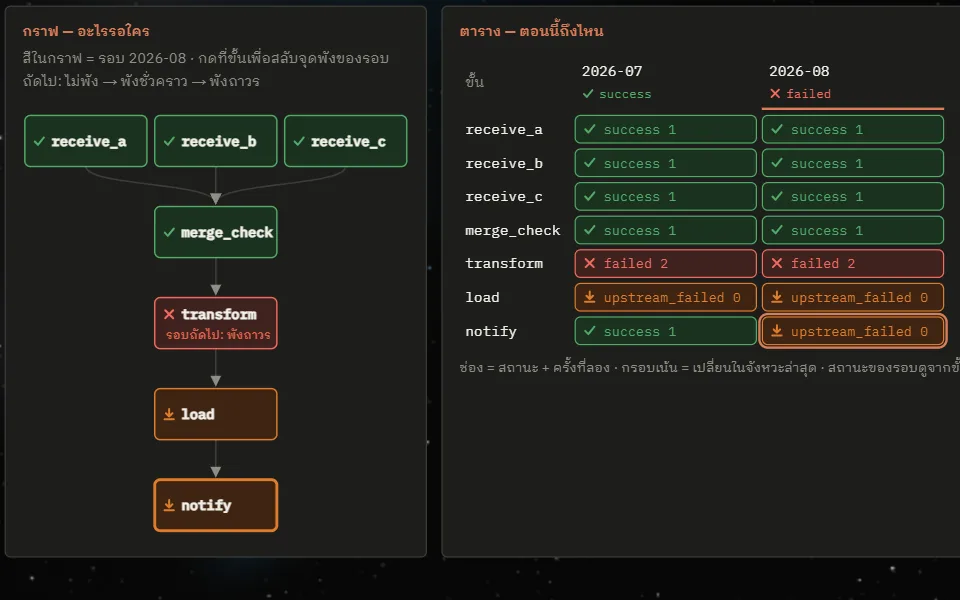
How a DAG flows — when a pipeline breaks halfway, which steps run again
A playable orchestrator built alongside the Airflow handbook. A seven-step monthly file pipeline (receive three branch files, merge and check, transform, load, notify) is drawn as two views of the same state side by side: a graph that says what waits for what, and a table that says where things stand (rows are steps, columns are runs, each cell holds a state and a try number). Tap a step in the graph to make the next run fail there transiently or permanently, set retries from 0 to 3, choose whether notify runs when its upstream succeeds or merely finishes, and choose whether load writes to the destination by appending (append) or by replacing the whole month (replace_month); then step the loop one tick at a time, start new runs to add columns, open a cell to see its tries one by one, or Clear it — after guessing which cells will be reset, and choosing whether to rerun only that cell and its downstream, as an orchestrator does, or the whole thing, as a single script does. Under the table a "warehouse rows" line counts each month's rows, using the numbers from the stock_load.py example in chapter 12. All of the logic is the model from chapter 4 of the book; no Airflow runs on the web.
 LAB.10
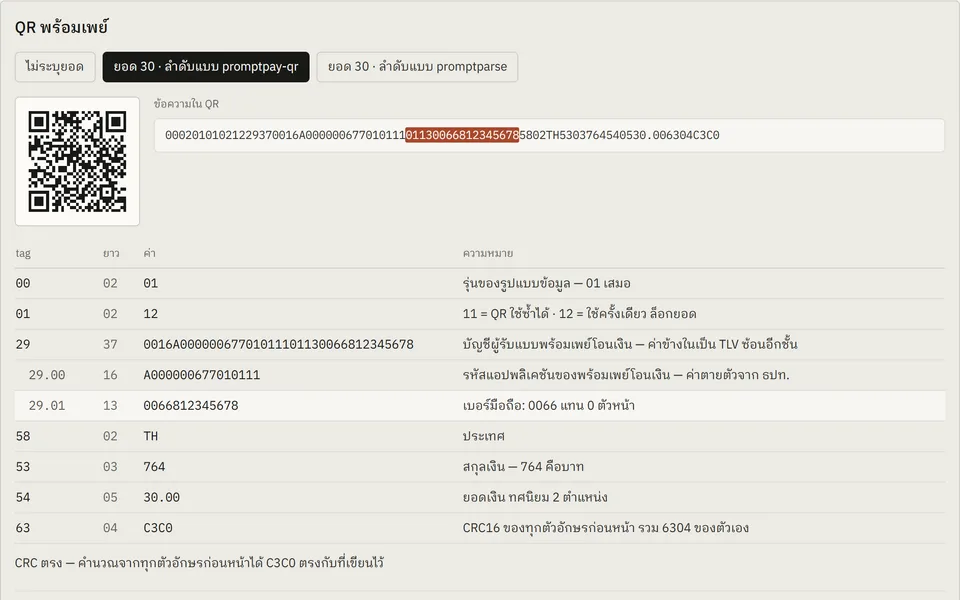
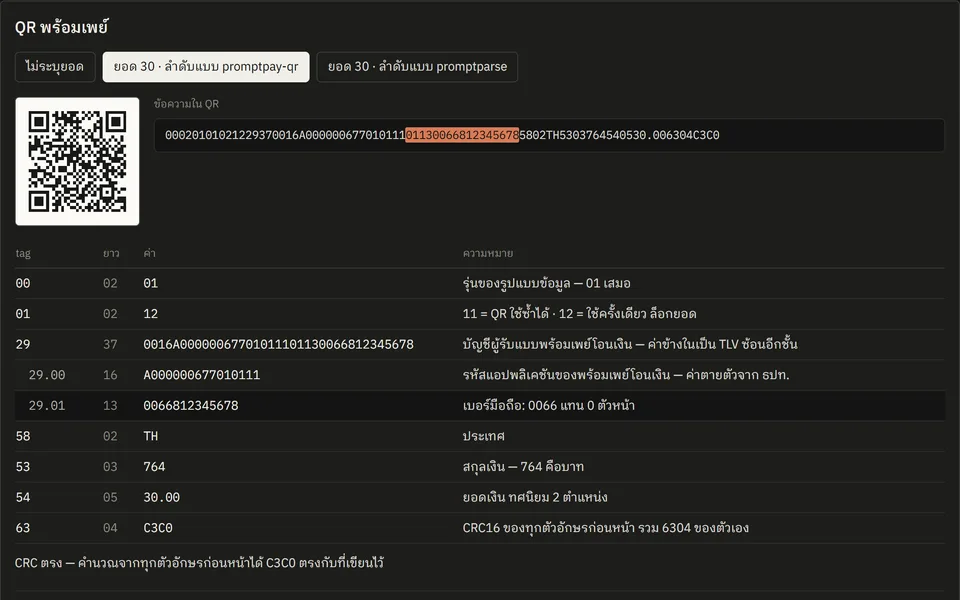
Inside a PromptPay QR, and the slip QR that carries no amount
Built the PromptPay QR for the /support page end to end, to the Thai QR Payment standard and with no payment gateway, then took it apart field by field in this entry. The text inside the QR is a run of TLV fields (a 2-digit tag, a 2-digit length, then the value) closed by a CRC16. The table splits the test samples into rows; pointing at a row shows where that field sits in the string, and the string itself can be edited. The second half does the same for the small QR in the corner of a transfer slip: a slip image of your own can be decoded on the device, and only the text inside its QR is sent to the server for a check.
 LAB.09
Turning a research report into one playable page — PPM and the budget system
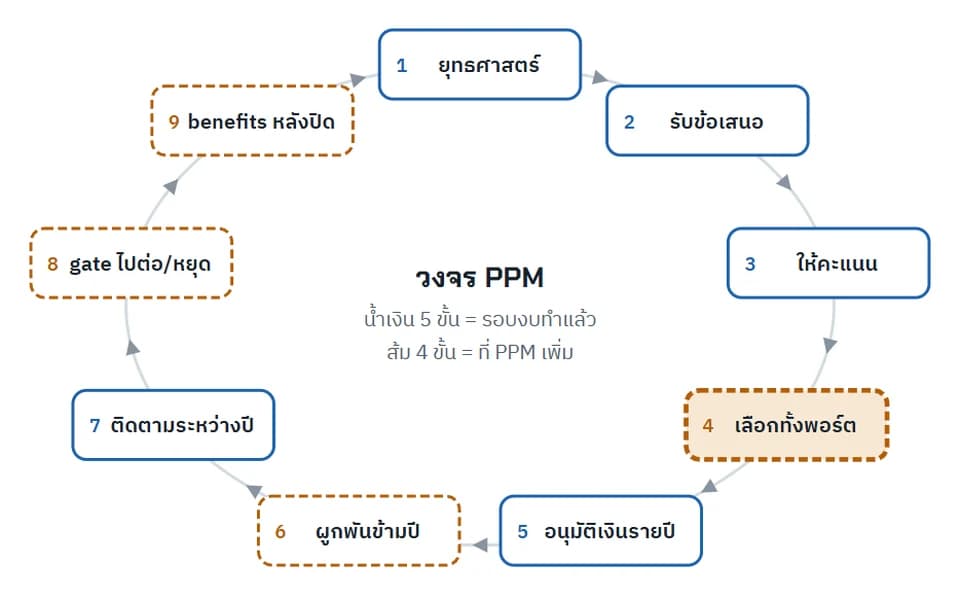
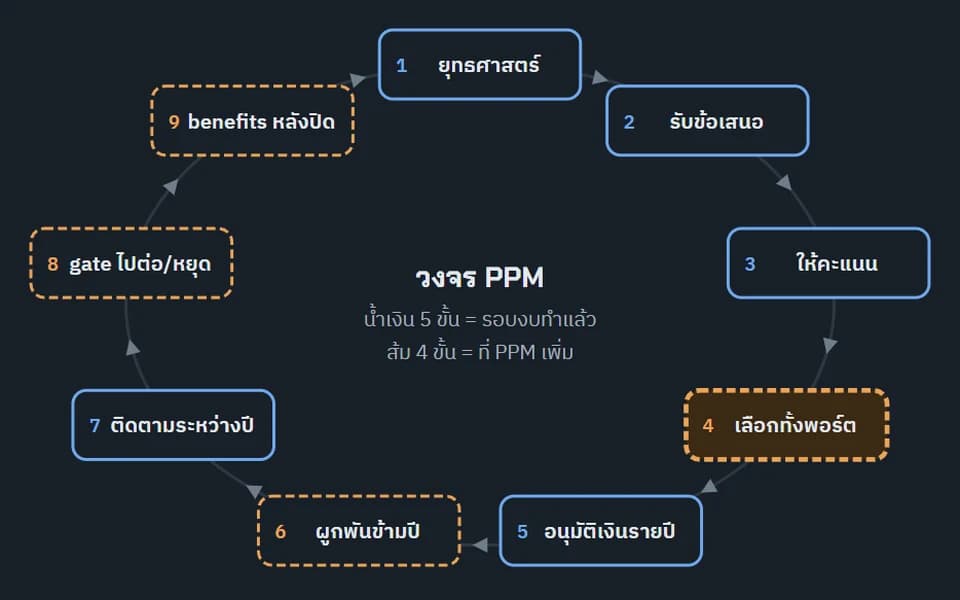
Distilled a deep-research report on Project Portfolio Management and budgeting (about 50,000 characters, six tables, one diagram) into a single page that teaches with pictures, using the visual-explainer widget kit originally built for a project-management course. The page has a tappable nine-step PPM cycle showing which steps an annual budget round already covers, a stepper for two-layer multi-year funding, a budget cut-line simulator comparing rank-by-score against the best set under the ceiling, New Zealand's value × risk approval grid, a map of Thailand's national systems, a data model you can open box by box, and a helper for deciding whether to embed PPM in the existing budget system or run it separately.
 LAB.08
Continues LAB.06
Drawing an active volcano with equations alone
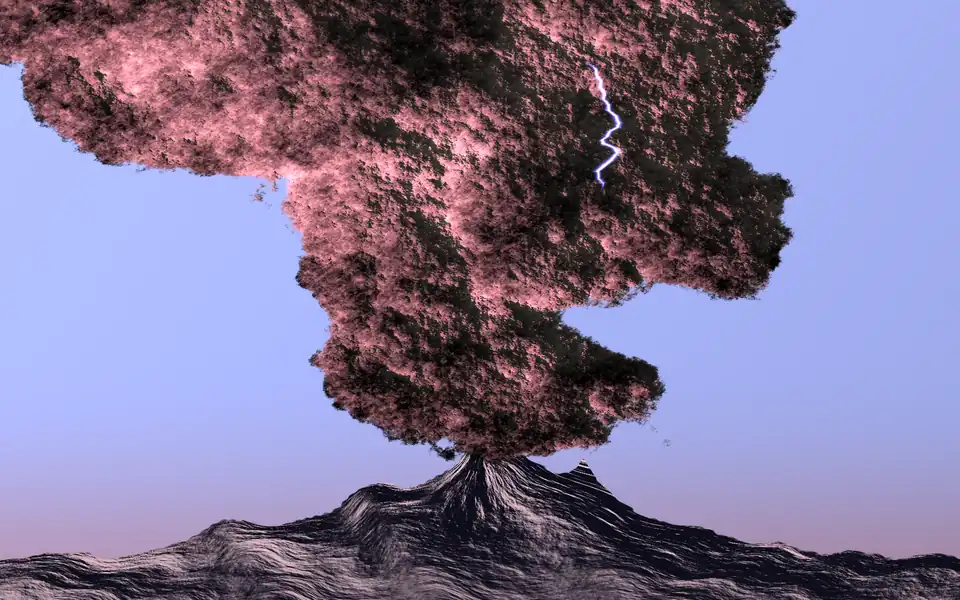
Ran the equations Hamid Naderi Yeganeh published for his Active Volcano image and measured how close the result gets to his original, following LAB.06, which did the same with his Sea Wave. The equations are written on the artwork itself, so they were read off line by line under magnification and turned into a numpy script that renders 2000×1200 on the original grid. A pixel's colour is the sum of four terms — sky, mountain, lightning and cloud — and the cloud's texture and the pattern on the mountain come from sums of 50 layers of cosine waves. The playable version in this entry is a shader that runs the same equations on the GPU of whatever device opens the page: each term can be switched off, the difference that produces the shading can be turned and stretched, the steepness of the shading step can be changed, and the sums can be cut short. The original is his work and is not reproduced here; every image in this entry is drawn from these equations.
 LAB.07
The gate at the exit — how a green build still ships a wrong page
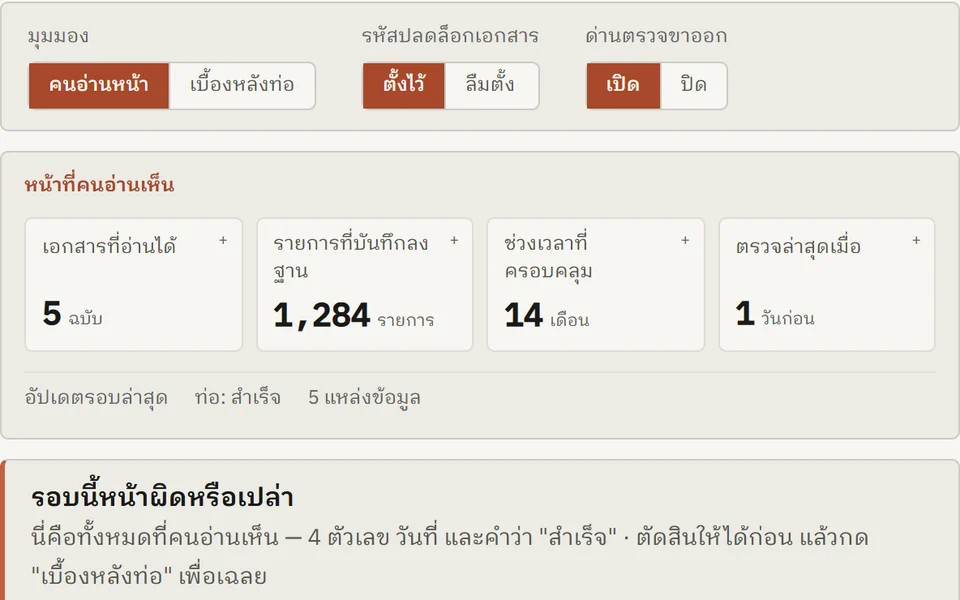
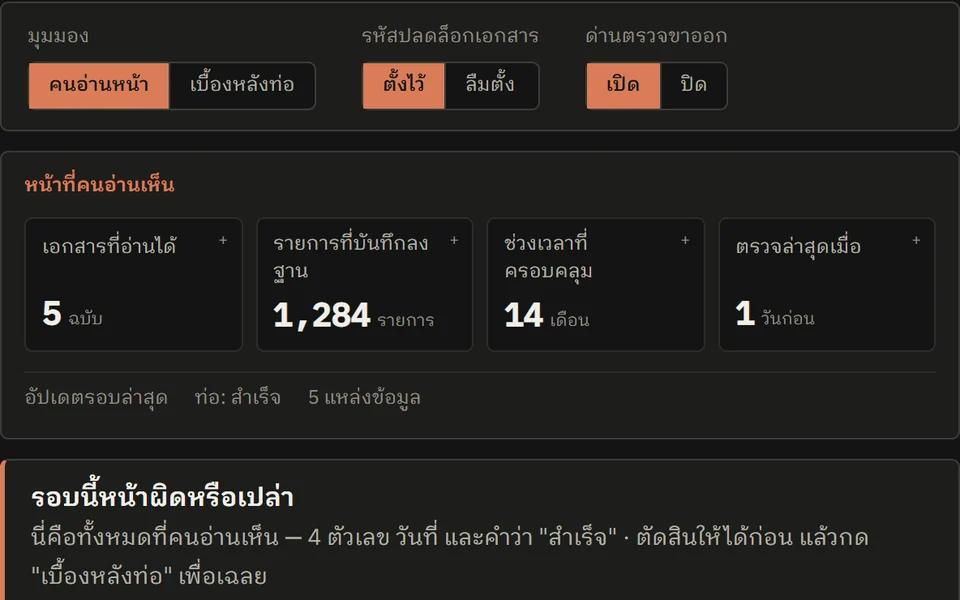
A pipeline simulation with a document-unlock step that asks the reader to judge, from the published page alone, whether that run is wrong — before revealing what happened underneath. Three switches (view, unlock password, exit gate) give four comparable states, and each number can be opened to walk its provenance back to the source documents.
 LAB.06
Drawing a sea wave with equations alone
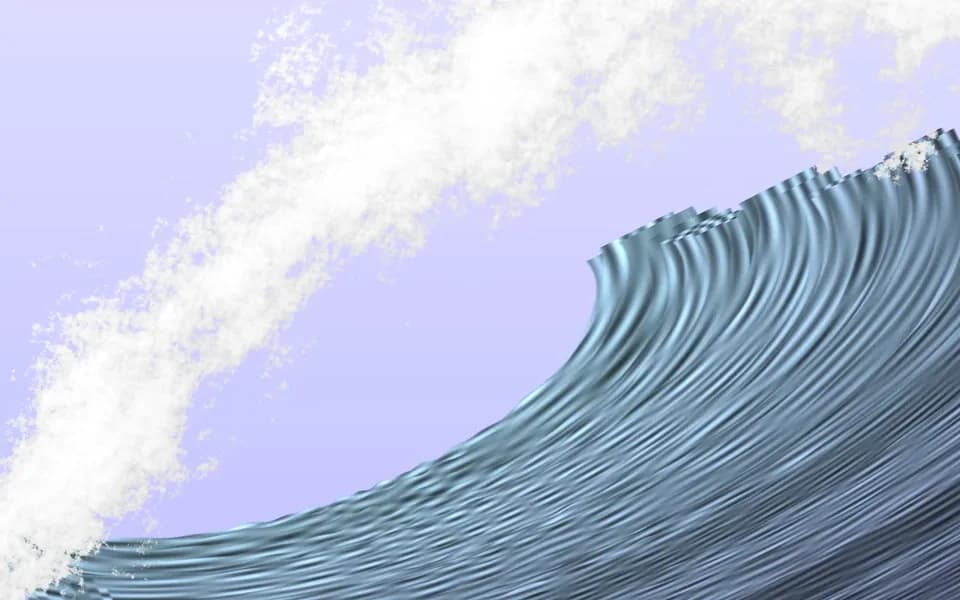
Ran the equations Hamid Naderi Yeganeh published for his Sea Wave image and measured how close the result gets to his original. The equations are written on the artwork itself and no text version could be found, so they were read off the image symbol by symbol and turned into a numpy script that renders 2000×1200 on the original grid. The whole image is one closed-form function with no if anywhere: every condition is a step written as e^(−e^(kx)) with a very large k, the wave is 60 stacked layers with the product ∏(1−J) acting as a z-buffer, and the foam is 17 octaves of cosine noise. The playable version in this entry is a shader that runs the same equations on the GPU of whatever device opens the page: F, how many layers are drawn, the values once suspected of being misread, the step steepness k and the foam octaves can all be changed, and the image and the F(x) chart follow. The original is his work and is not reproduced here; every image in this entry is drawn from these equations.
 LAB.05
Continues LAB.04
The chapter viewport — a Blender-style 3D window around a cloud of real chapters
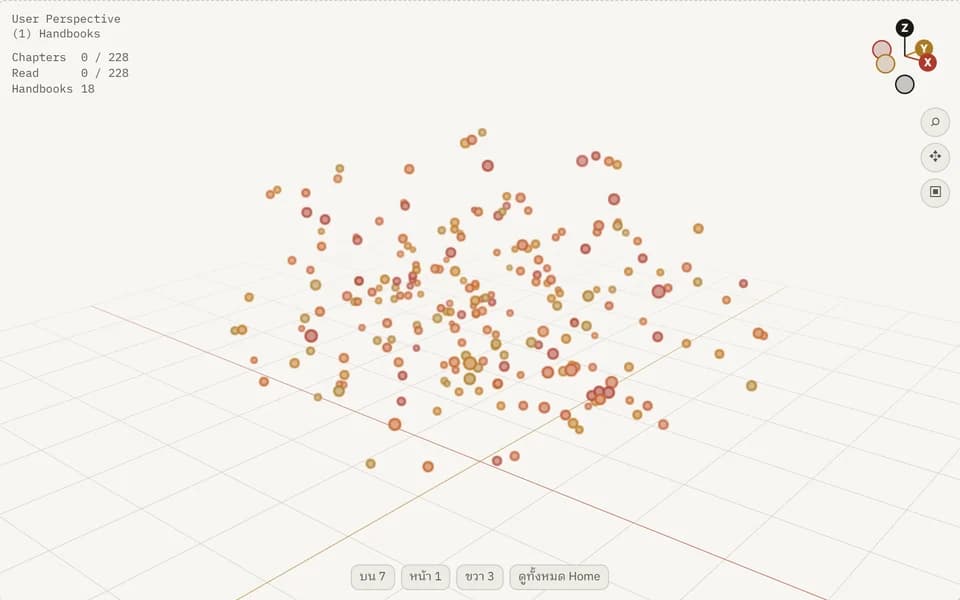
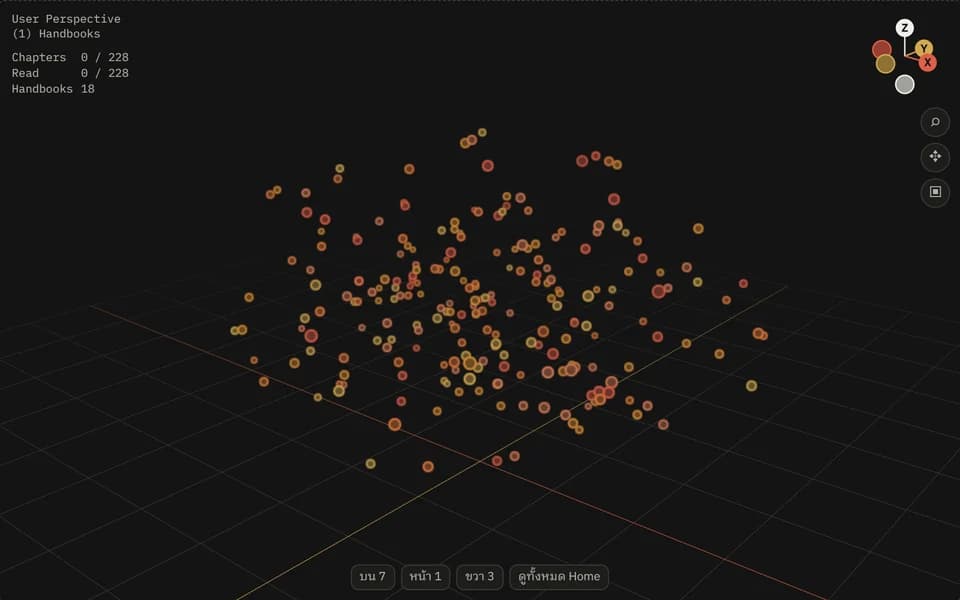
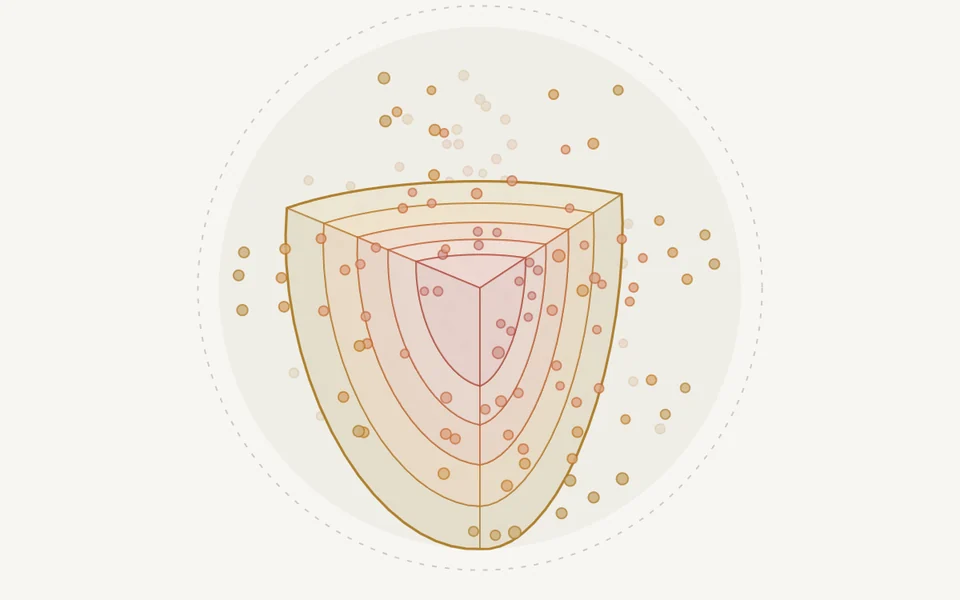
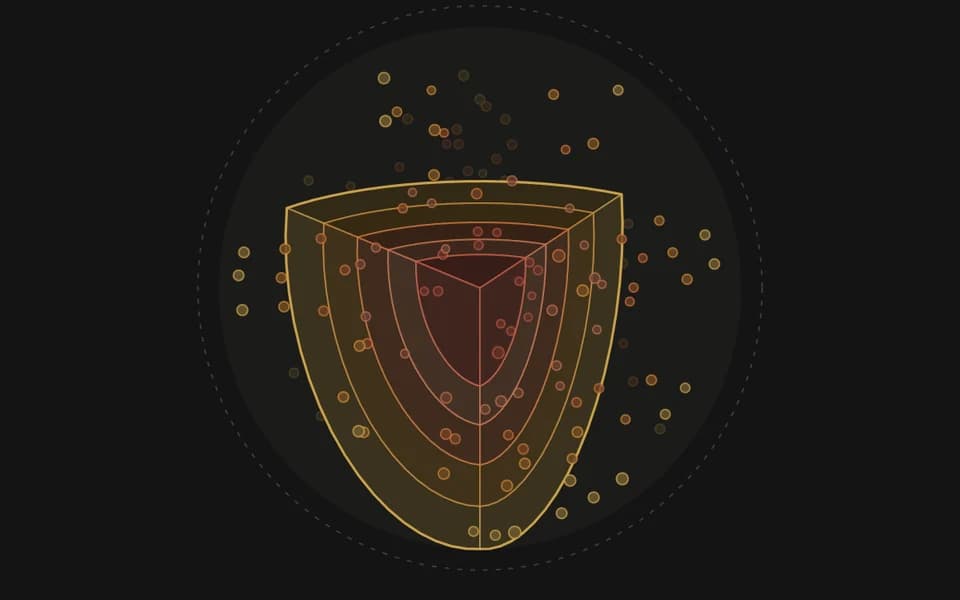
Rebuilt the chapter globe in the language of a 3D window: a Blender-style viewport frame (orbit/pan/zoom camera, preset views, gizmo, major/minor grid, Text Info and Statistics overlays, an Item panel, Blender 5.2's keymap) wrapped around a cloud of real chapters. One dot is one chapter; its place in the cloud is seeded from book and chapter number and deliberately means nothing, while colour, size and opacity carry the data. Drawn with three.js, loaded only when this entry scrolls near the screen; a server-rendered top-view SVG is the first WebGL frame and the fallback when WebGL is unavailable.
 LAB.04
Continues LAB.03
The chapter globe, built — round one on the real surfaces
Built the form chosen in LAB.03 and wired it into two real surfaces: the home hero became a cutaway globe (one dot = one of 228 chapters across 18 books, colour = rung, size = chapter length, full ink = read, click a book and the figures panel becomes that book's core sample), and /handbooks became every book's core sample laid side by side above the existing list. The data is counted at build time, not typed in. The real thing is playable in this entry, both forms behind one switch, reading progress from the reader's own device. On 19 Sep 2026 the globe came off the home hero (replaced by the equation-drawn wave from LAB.06); in Oct 2026 the side-by-side core samples left /handbooks too — both forms now live only in this entry.
 LAB.03
Continues LAB.02
The chapter globe — ten forms before the final one
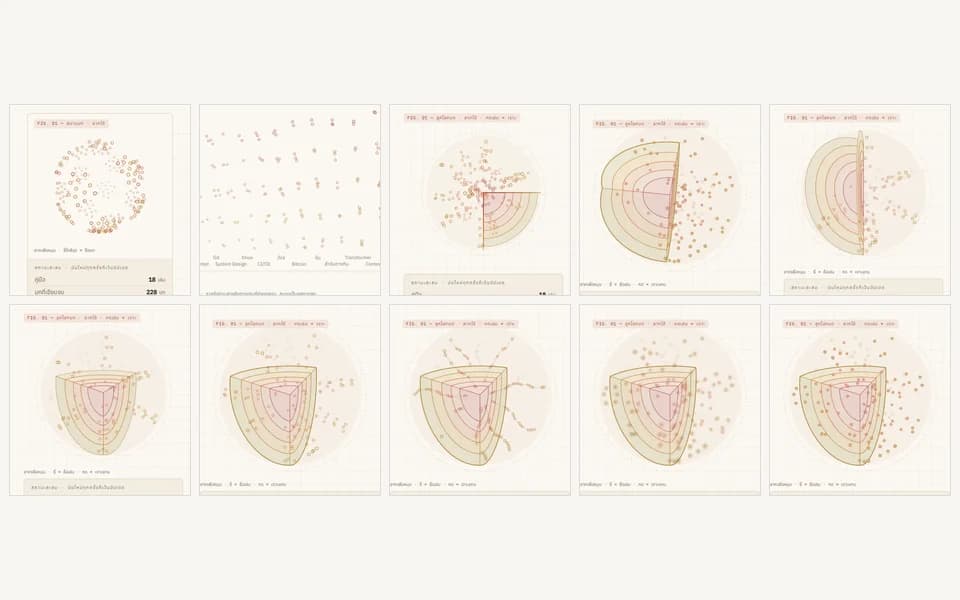
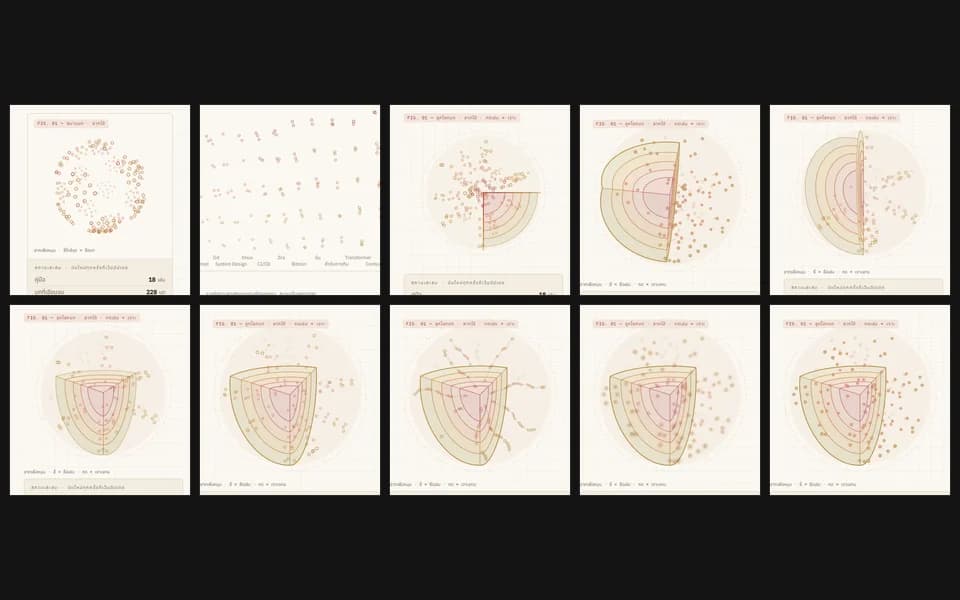
Grew LAB.02 into a field that carries real data (one dot = one of 228 chapters across 18 books) and searched for its form by mocking, playing, and deciding round by round — from a plain dotted sphere, through a globe whose ladder rungs are inner shells revealed by a cutaway wedge, to the form that was finally chosen.
 LAB.02
Separating the play zone from the read zone
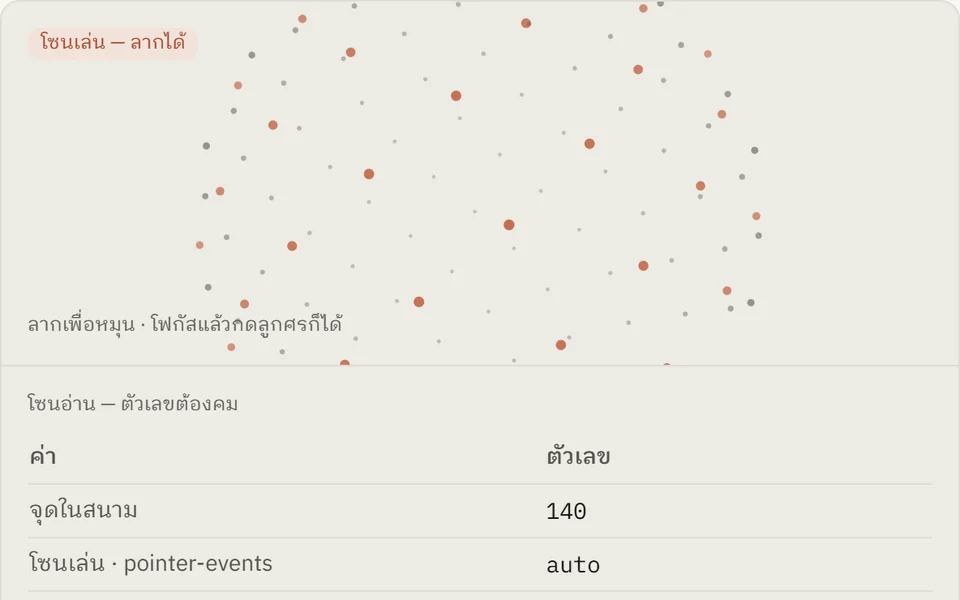
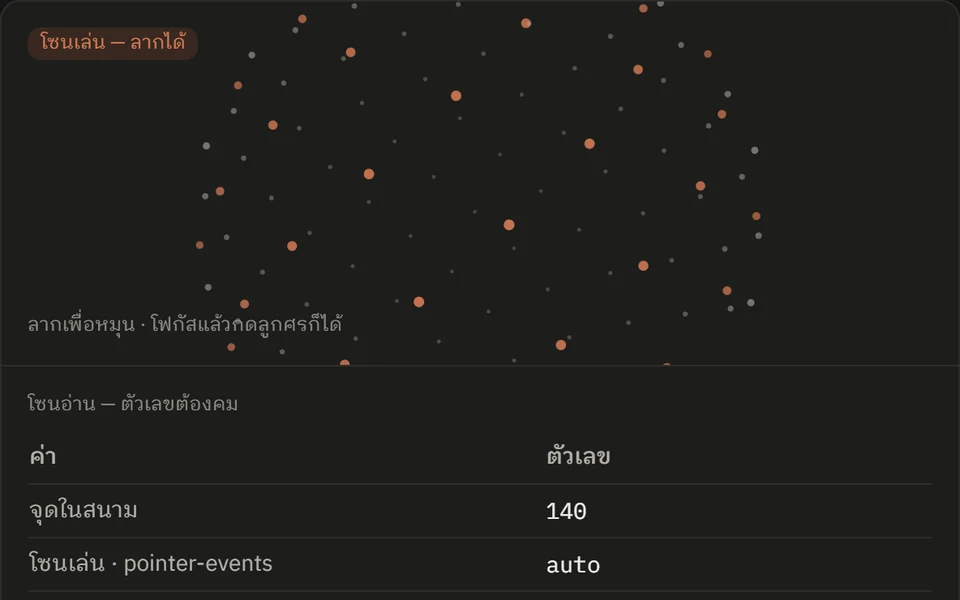
Took apart OpenAI's GPT-6 Astra launch page and found its star field is one layer spanning all 32,783px while only 1,908px is actually draggable — the rest looks identical but cannot be touched, and drifts over the numbers in the benchmark tables. So I built a dot field that declares where it is playable, with a toggle to compare both treatments side by side.
 LAB.01
Rendering video from an HTML page
Built a site-intro video by writing a single HTML page and rendering it to video — layout, colors, type, motion timing, and the sound bed are all synthesized from code, no editing software involved.